OpenClaw Windows安装使用配置说明 ???? 完整安装步骤 1 准备工作 以管理员权限打开PowerShell 确
set-ExecutionPolicy -Scope Process -ExecutionPolicy Bypass
免费影视、动漫、音乐、游戏、小说资源长期稳定更新! 👉 点此立即查看 👈
运行截图

node -vnpm -v
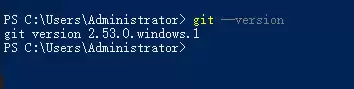
运行截图:

git --version
运行截图
npm install -g openclaw@latest
验证安装:
openclaw --version
运行截图

openclaw onboard --install-daemon
(新手安装推荐)
openclaw configure
按提示选择:
zai 提供商zai/glm-4.5-air(推荐)glm-4.5-air 模型,性能稳定且免费主要配置文件位于:
C:\Users\Administrator\.openclaw\openclaw.json
{"meta": {"lastTouchedVersion": "2026.3.2","lastTouchedAt": "2026-03-09T09:13:31.124Z"},"auth": {"profiles": {"zai:default": {"provider": "zai","mode": "api_key"}}},"models": {"mode": "merge","providers": {"zai": {"baseUrl": "https://open.bigmodel.cn/api/paas/v4/chat/completions","apiKey": "YOUR_API_KEY","api": "openai-completions","models": [{"id": "glm-4.5-air","name": "GLM-4.5 Air","reasoning": true,"contextWindow": 204800,"maxTokens": 131072}]}}},"agents": {"defaults": {"model": {"primary": "zai/glm-4.5-air"},"workspace": "C:\\Users\\Administrator\\.openclaw\\workspace"}}}
# 查看版本openclaw --version# 启动服务openclaw start# 查看状态openclaw status# 停止服务openclaw stop# 重新配置openclaw configure
# 查看帮助openclaw --help# 查看日志openclaw logs# 重置配置openclaw reset
实际使用截图
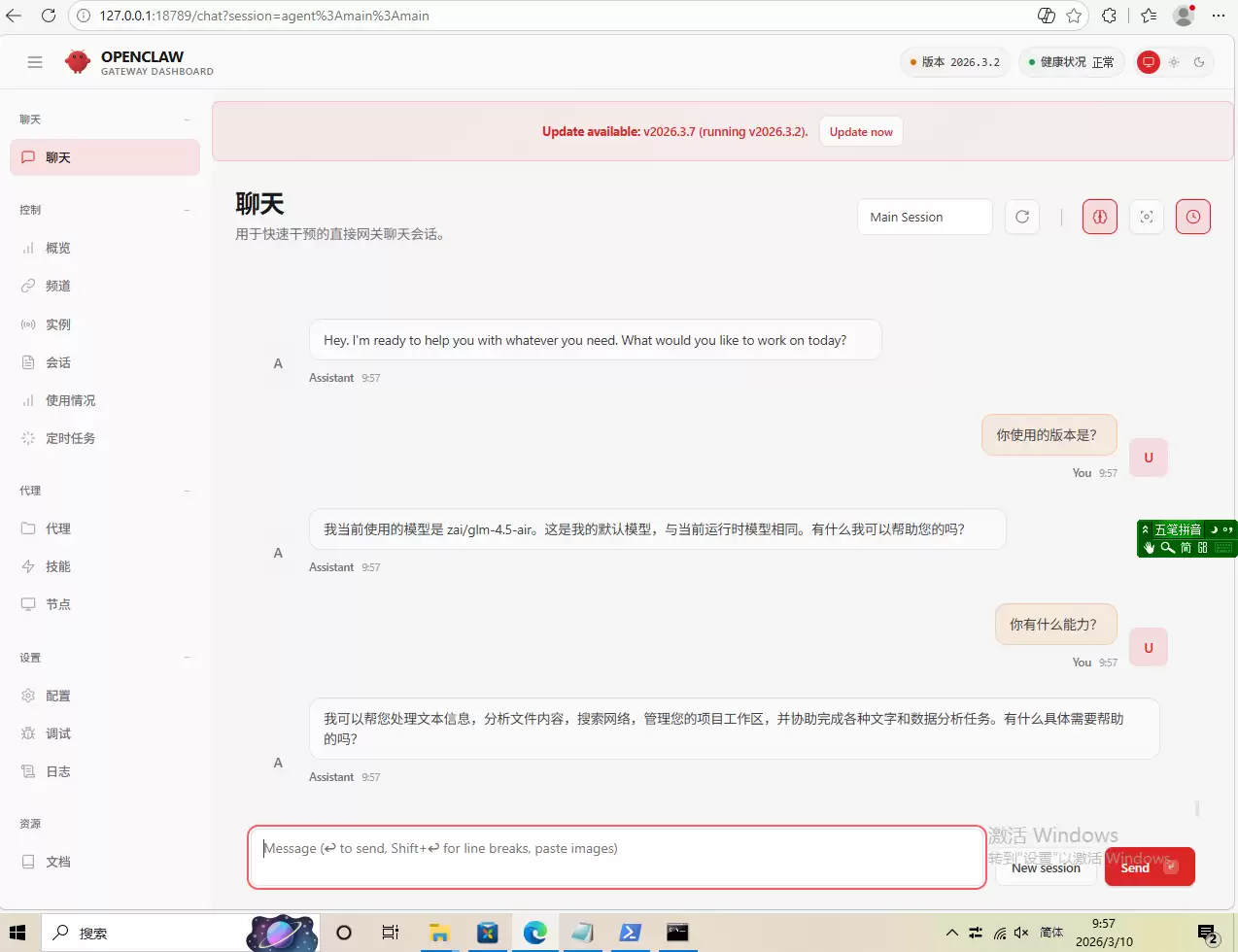
openclaw dashboard
重启路由openclaw gateway restart
C:\Users\Administrator\.openclaw\workspace按照以上步骤即可完成OpenClaw的完整安装和配置!实践才是学习的最佳路径,感谢大家的点赞收藏转发和关注。
菜鸟下载发布此文仅为传递信息,不代表菜鸟下载认同其观点或证实其描述。